
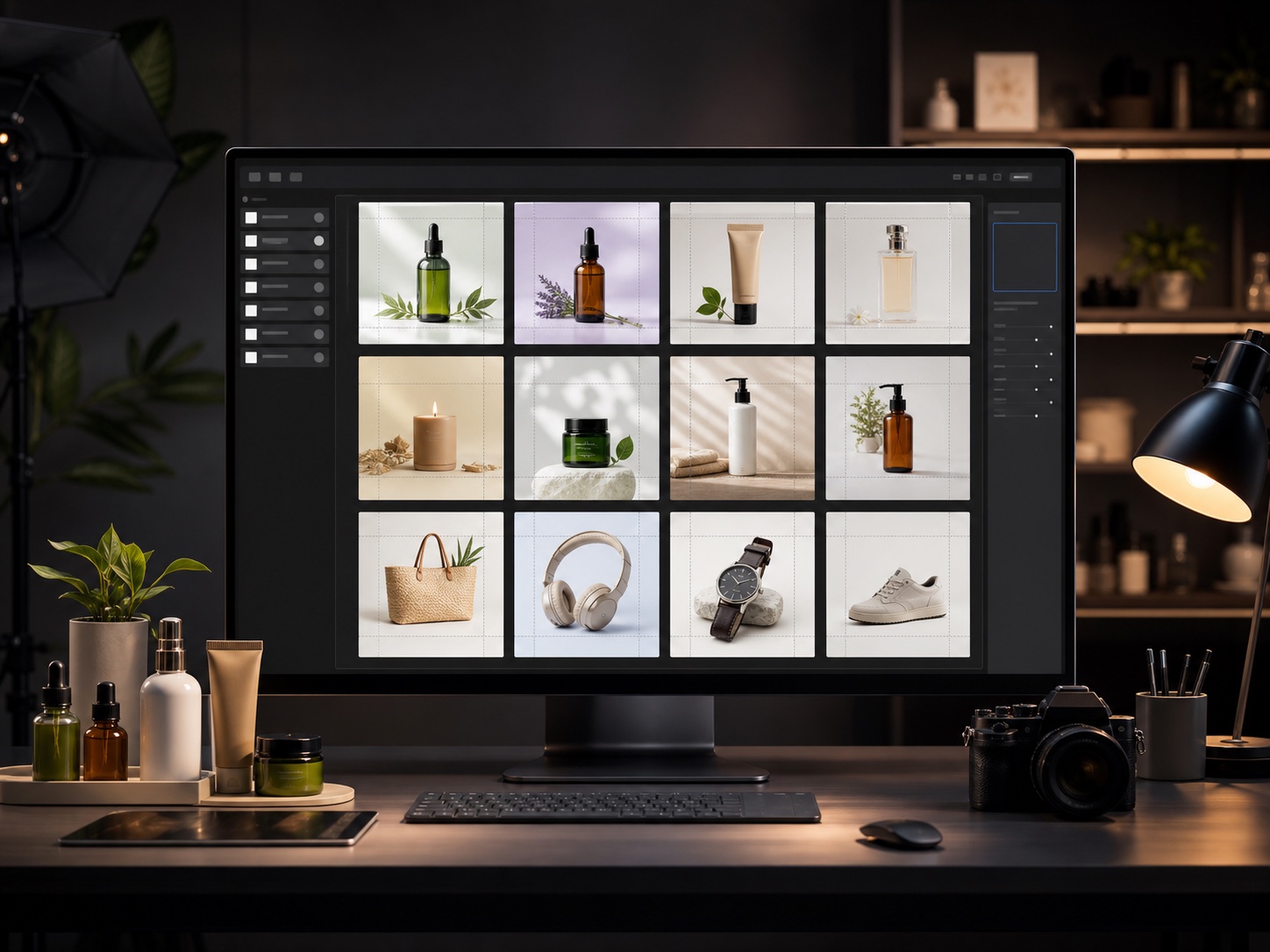
Bulk ecommerce product listings
Expand white-background, lifestyle, and detail shots into consistent main-image specs for storefronts, catalog pages, and ad creatives.
Upload a set of images that need the same output size
Transparent background images are not supported
Collapse repetitive crop, outpaint, resize, and export work into one focused operation.
Expand landscape, portrait, and square images into a target canvas while avoiding lost products, people, and key details.
Apply the same size, format, and ratio across a full image set for store listings, ad delivery, and content calendars.
Generate common ratios such as 1:1, 4:5, 9:16, and 16:9 so one asset set can cover shops, short video, and banner ads.
Move repeated open, extend, resize, and export steps into a batch process so teams can focus on selection, creative direction, and review.
Turn mixed-size originals into one publish-ready asset set for shelves, feeds, galleries, and campaigns.
Expand white-background, lifestyle, and detail shots into consistent main-image specs for storefronts, catalog pages, and ad creatives.
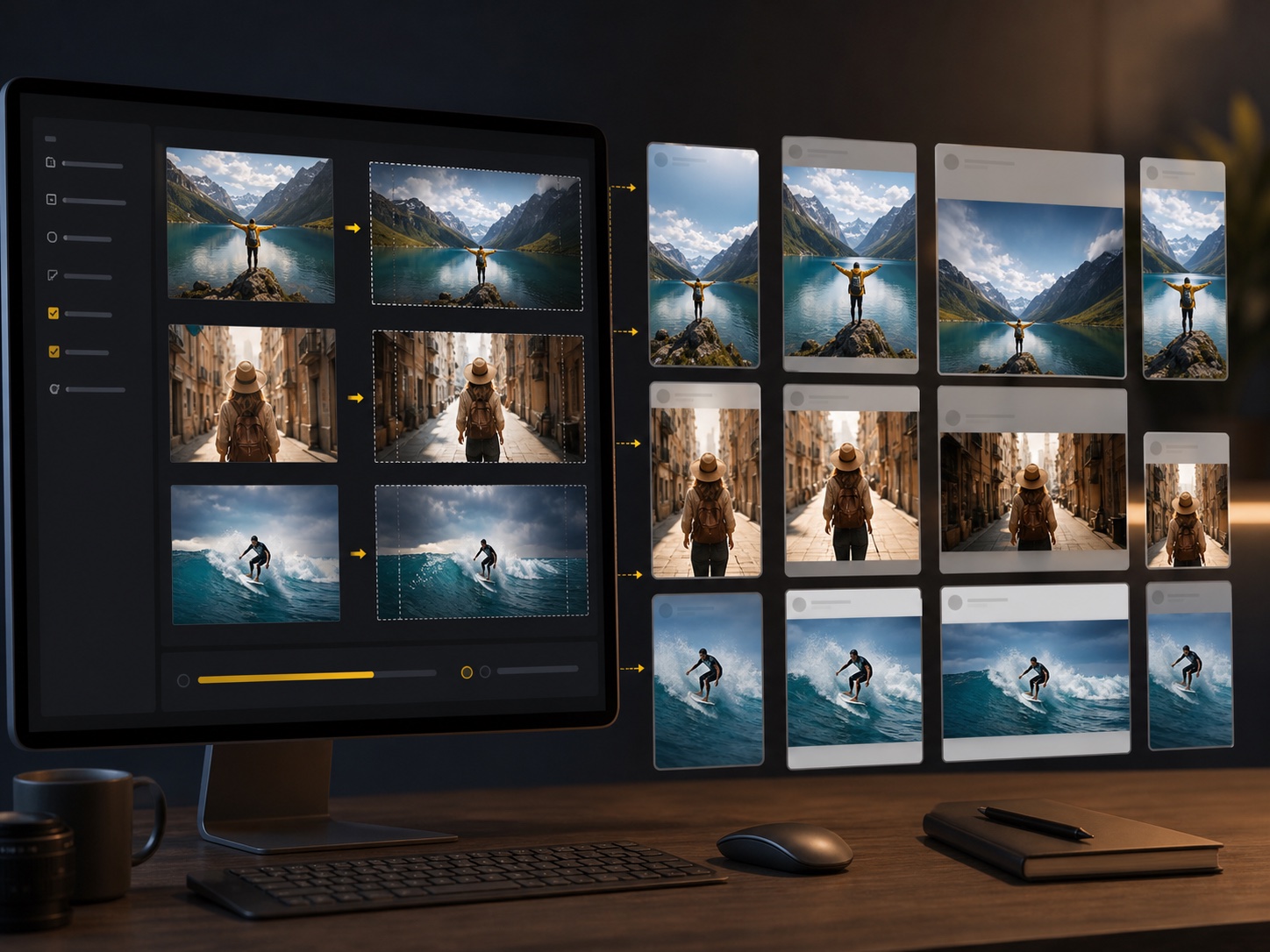
Convert one campaign photo set into vertical stories, square posts, landscape covers, and feed ads without repeated cropping.
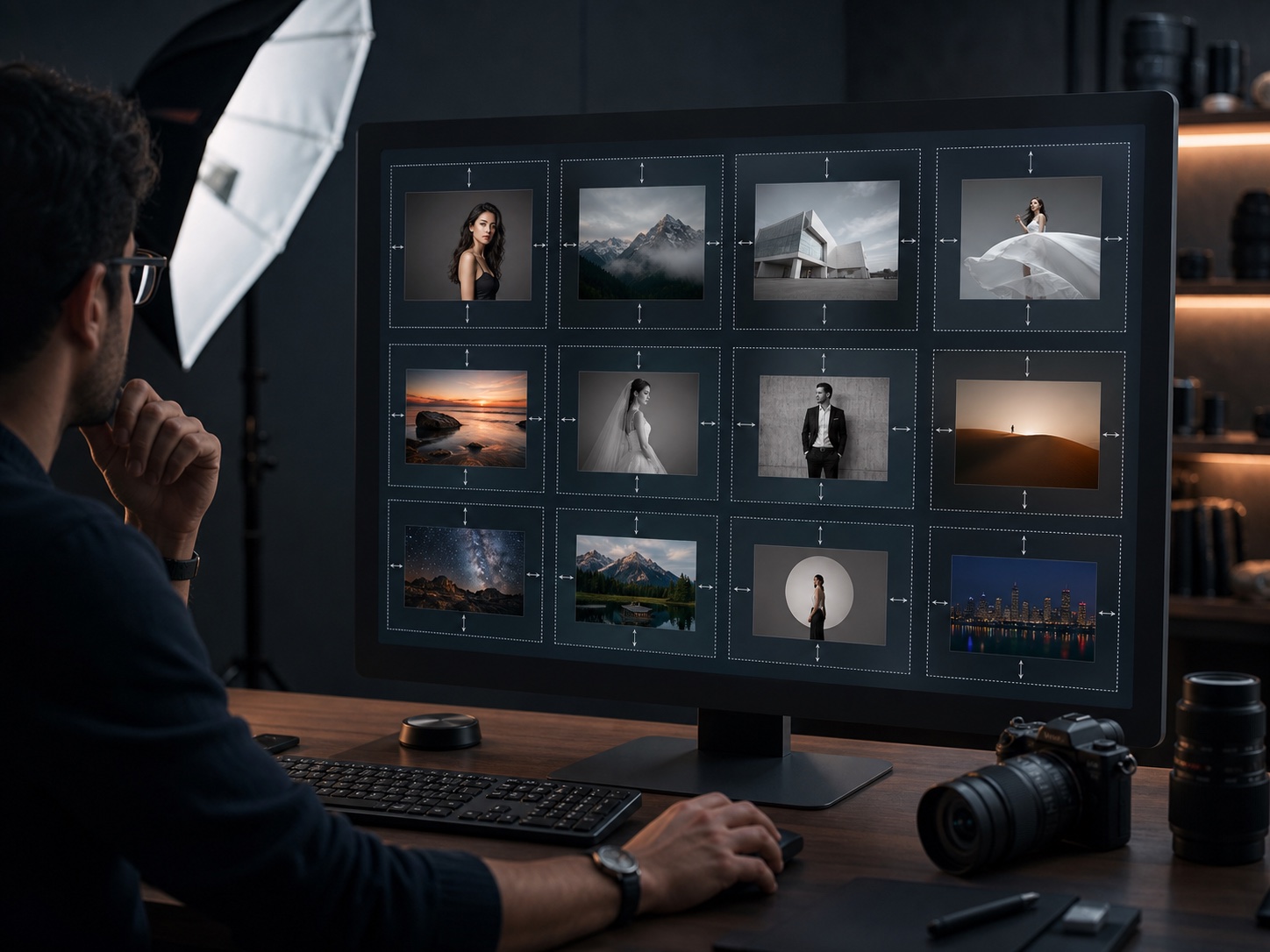
Bring mixed portrait and landscape work into one gallery format while preserving subjects, whitespace, and visual rhythm.
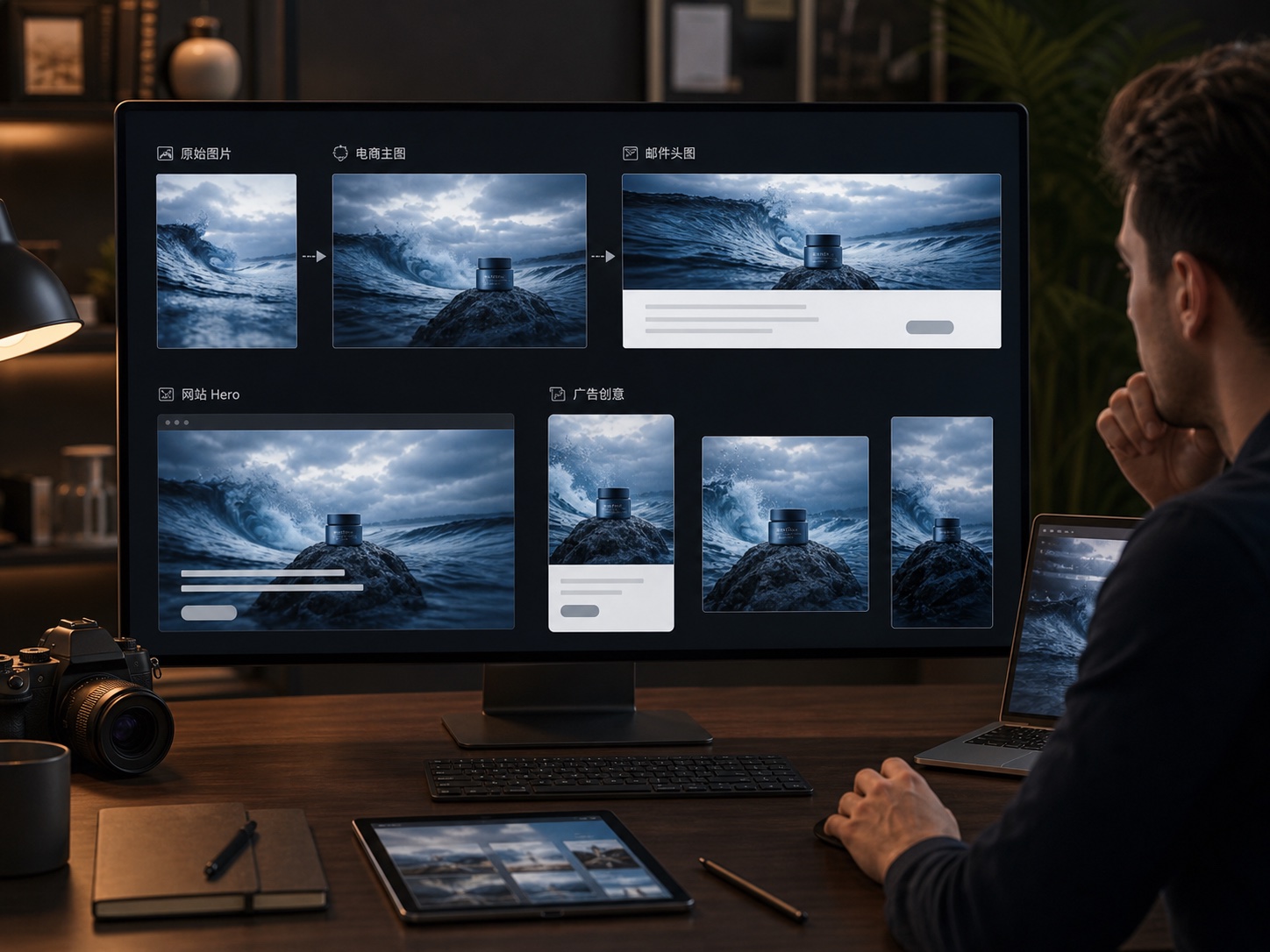
Expand key visuals into website heroes, email headers, banner ads, and mobile creatives while keeping the campaign look consistent.
Answers about batch expansion limits, image quality, formats, and when to use single-image editing.
Upload assets, choose a ratio, and let AI handle repeated expansion and resize work.