
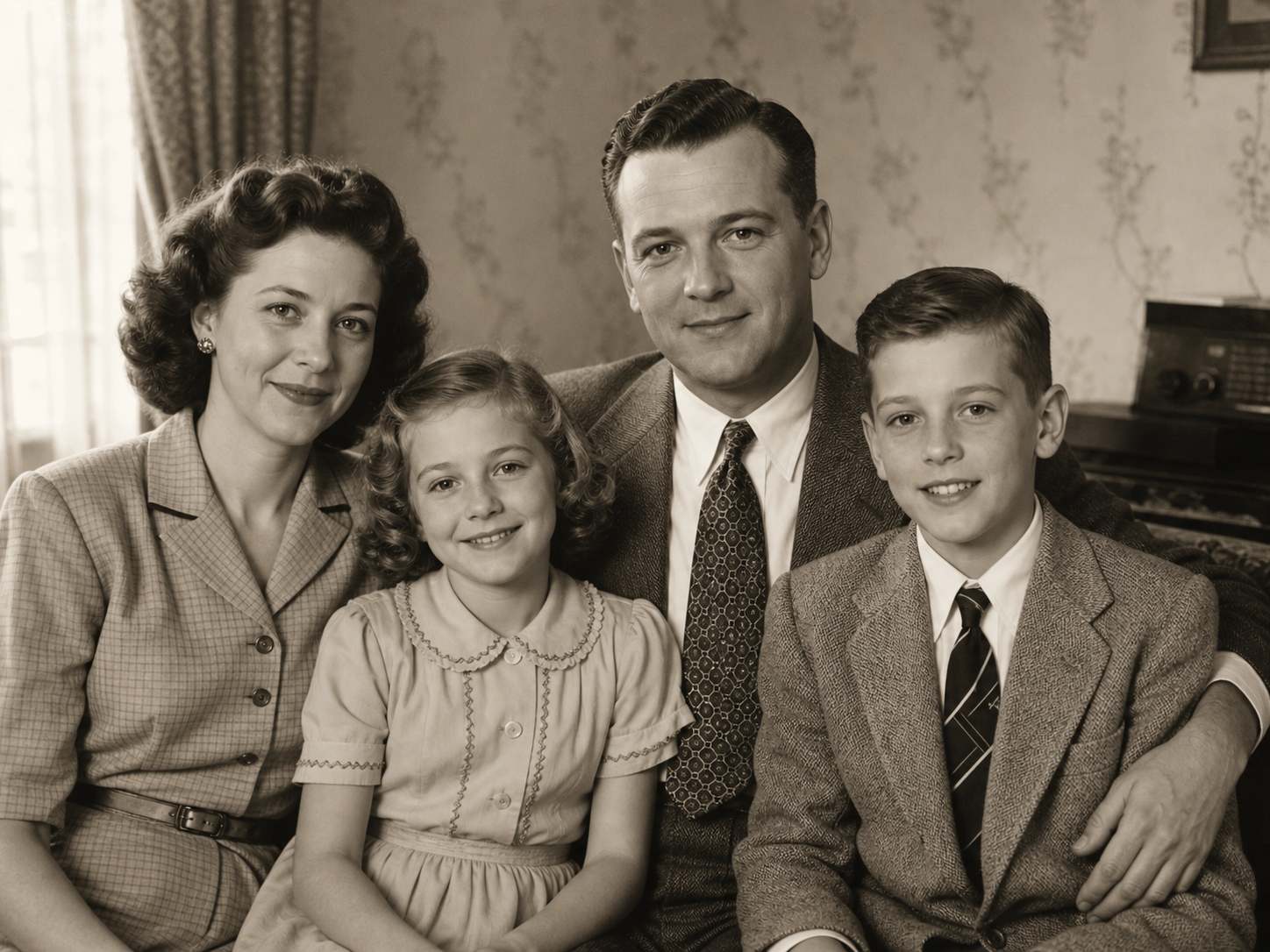
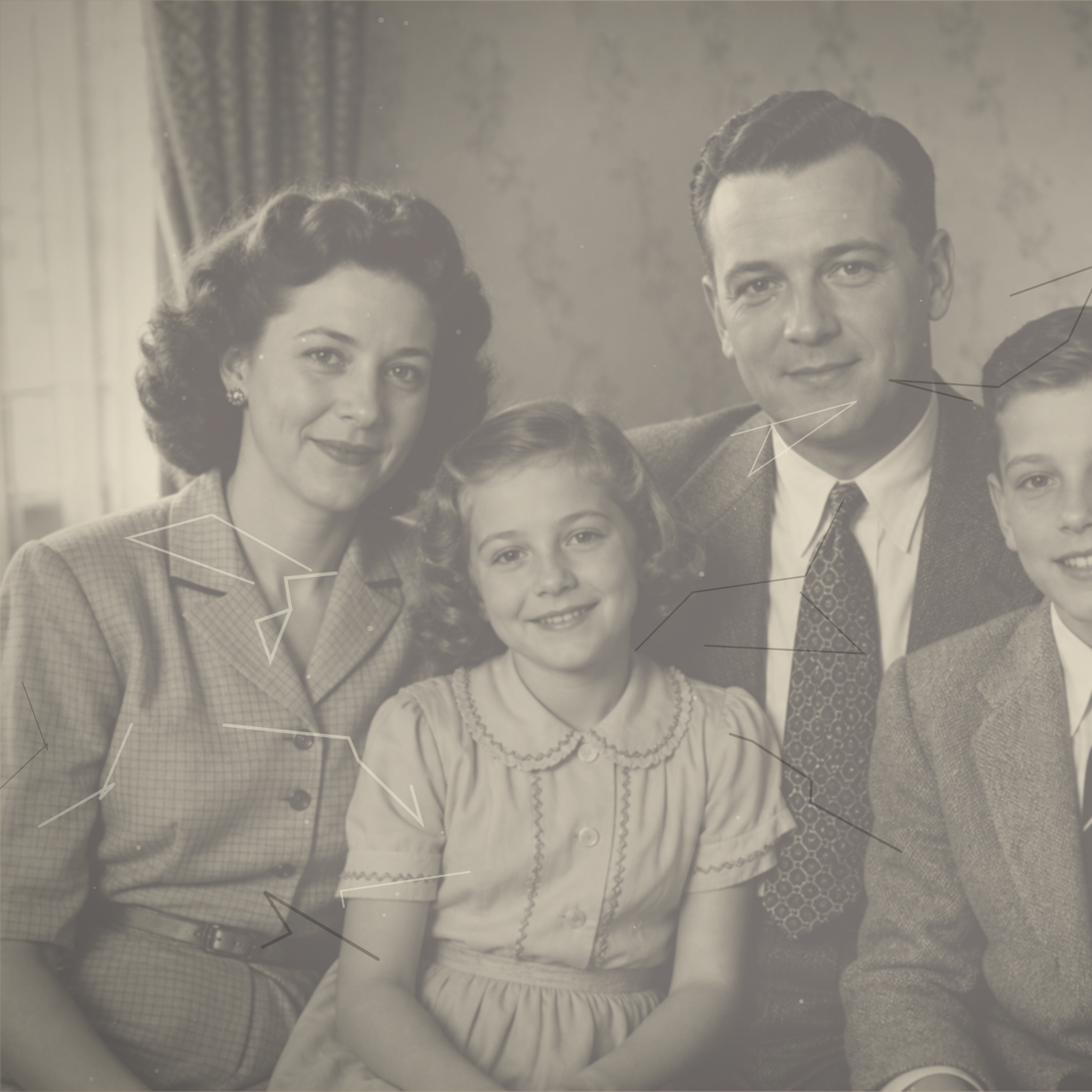
Restore damaged vintage family photos
Bring worn vintage family portraits back to life. AI repair removes scratches, tears, folds, stains, dust, and fading while recovering details and preserving precious family history.
Restore old photos with AI. Repair scratches, tears, fading, blur, and damage, or choose old photo restoration with colorization to add color to vintage memories. Try it free now!
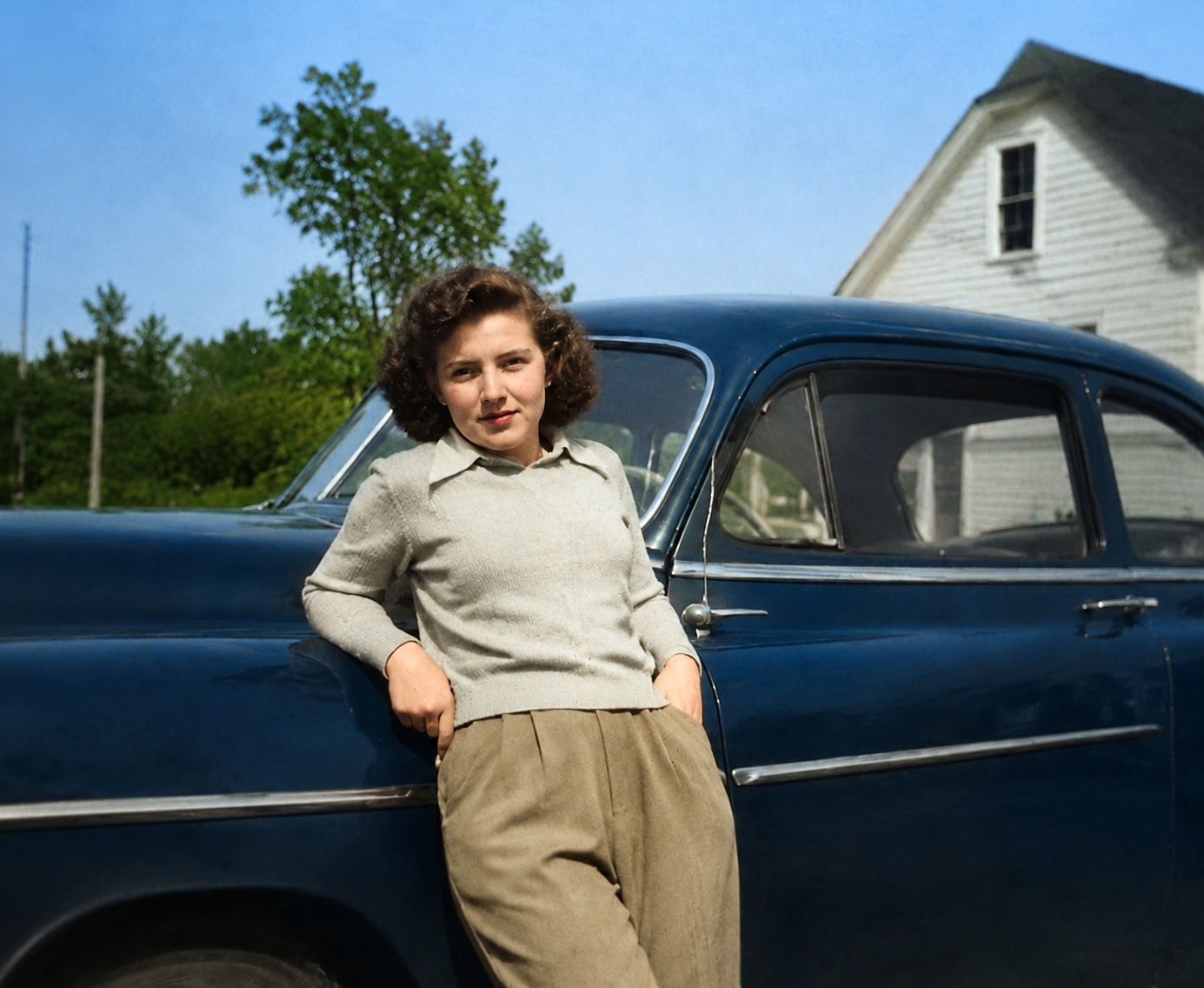
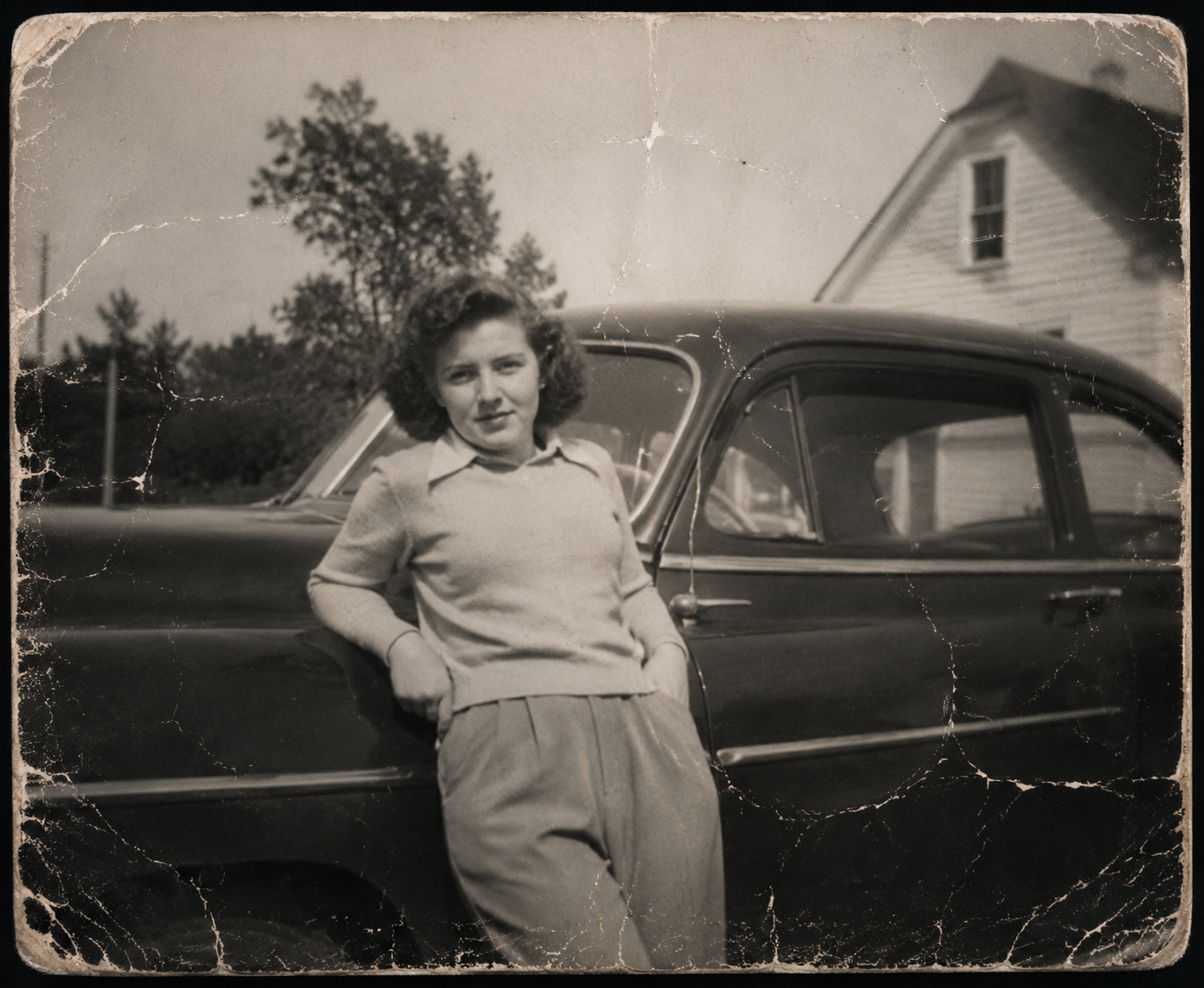
Fix scratches, tears, folds, stains, dust, fading, and blur while keeping the vintage character of the original image.
Keep black-and-white or sepia tones, or add realistic color that matches the era and scene.
Restore damage while keeping composition, texture, and the authentic feeling of old family photos.
AI colorization adds believable skin tones, clothing, and background colors for results that feel realistic rather than artificial.
Restore damaged family portraits, colorize black-and-white photos, repair scratches and tears, recover faded colors, and save family memories with professional AI photo restoration.
Bring worn vintage family portraits back to life. AI repair removes scratches, tears, folds, stains, dust, and fading while recovering details and preserving precious family history.
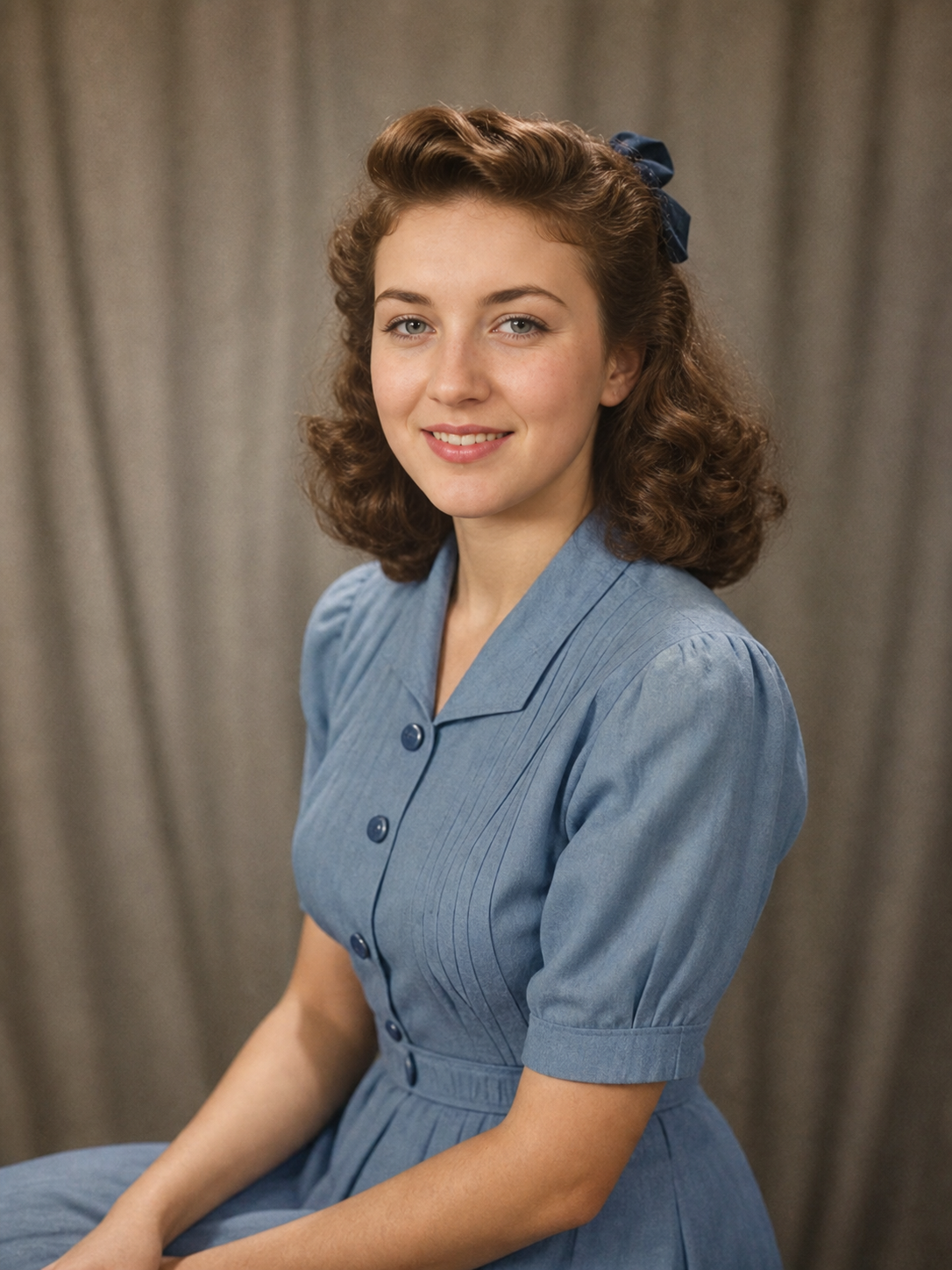
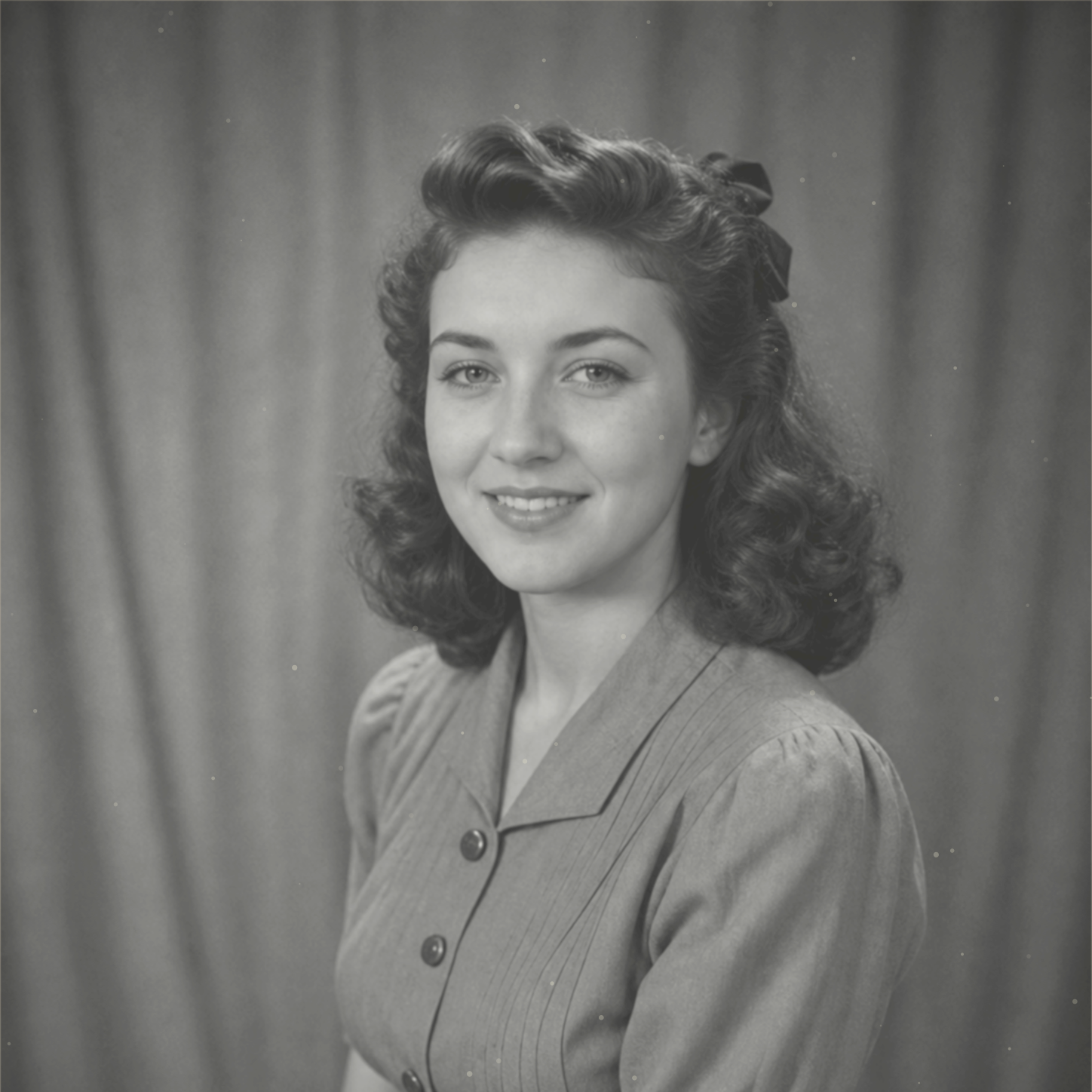
Turn black-and-white photos into vivid color. Repair damage first, then add realistic period-aware colors with natural skin tones, accurate clothing colors, and believable environmental details.
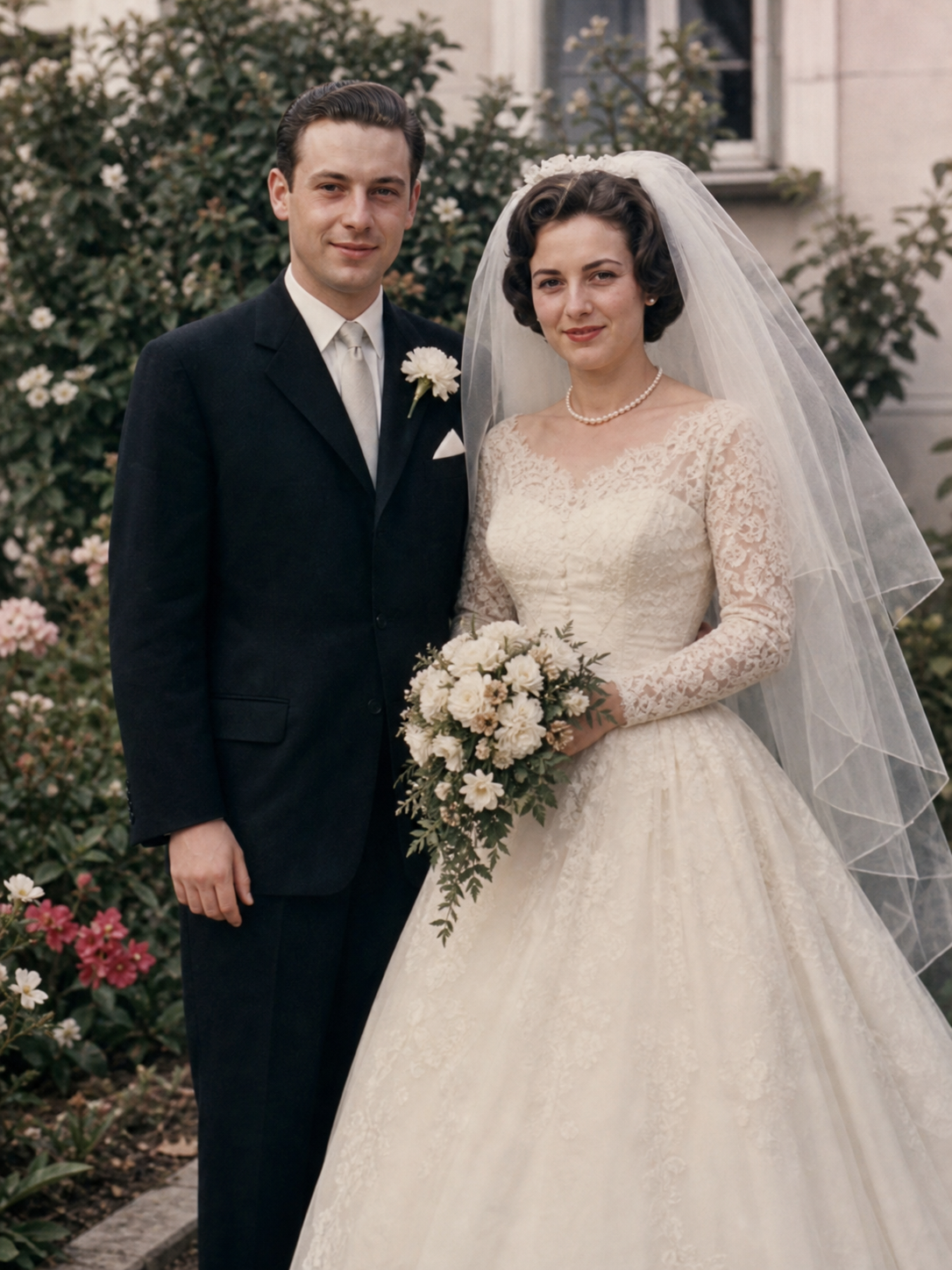
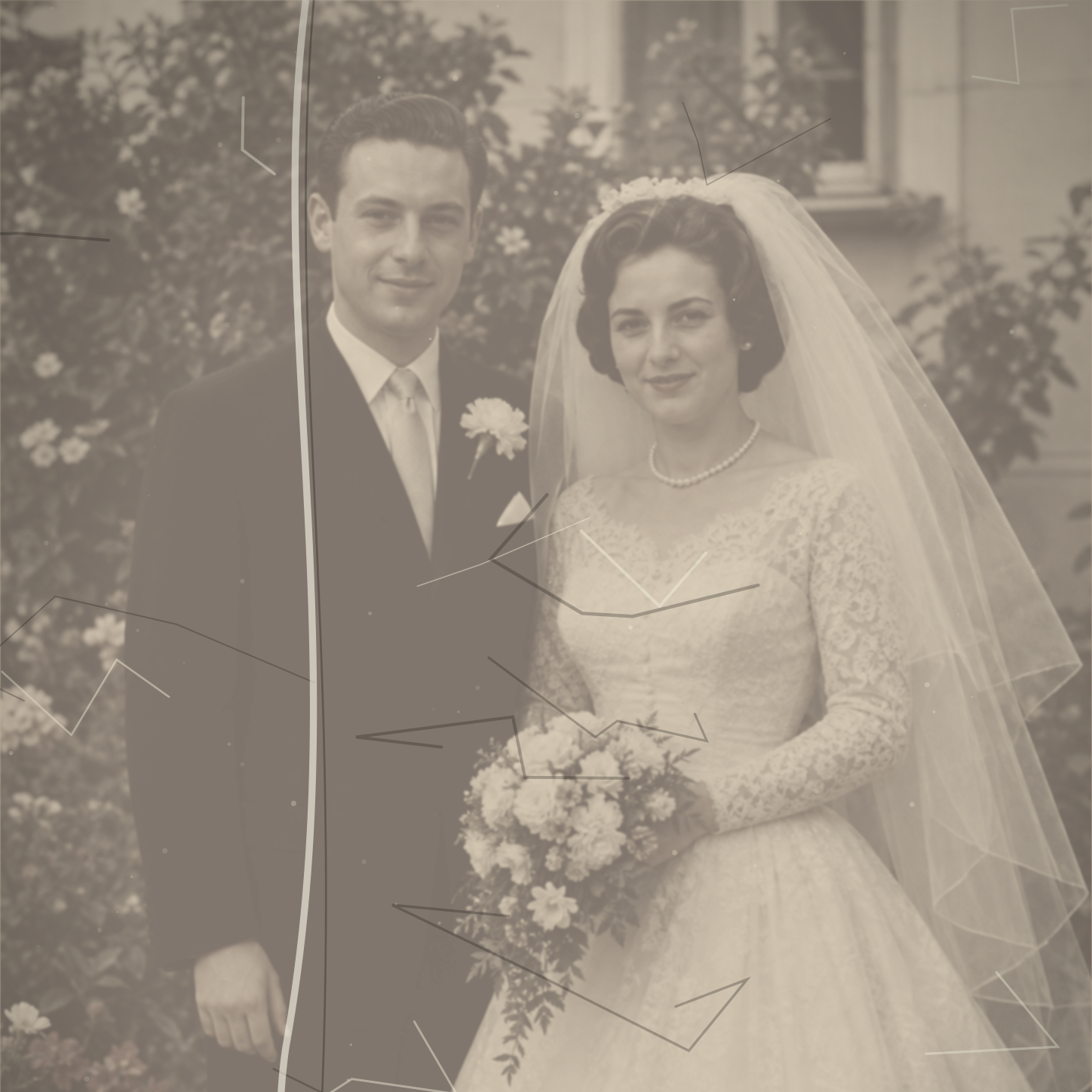
Remove visible scratches, torn areas, creases, and surface damage. AI reconstructs missing regions and blends them naturally with the surrounding image while preserving the original composition.
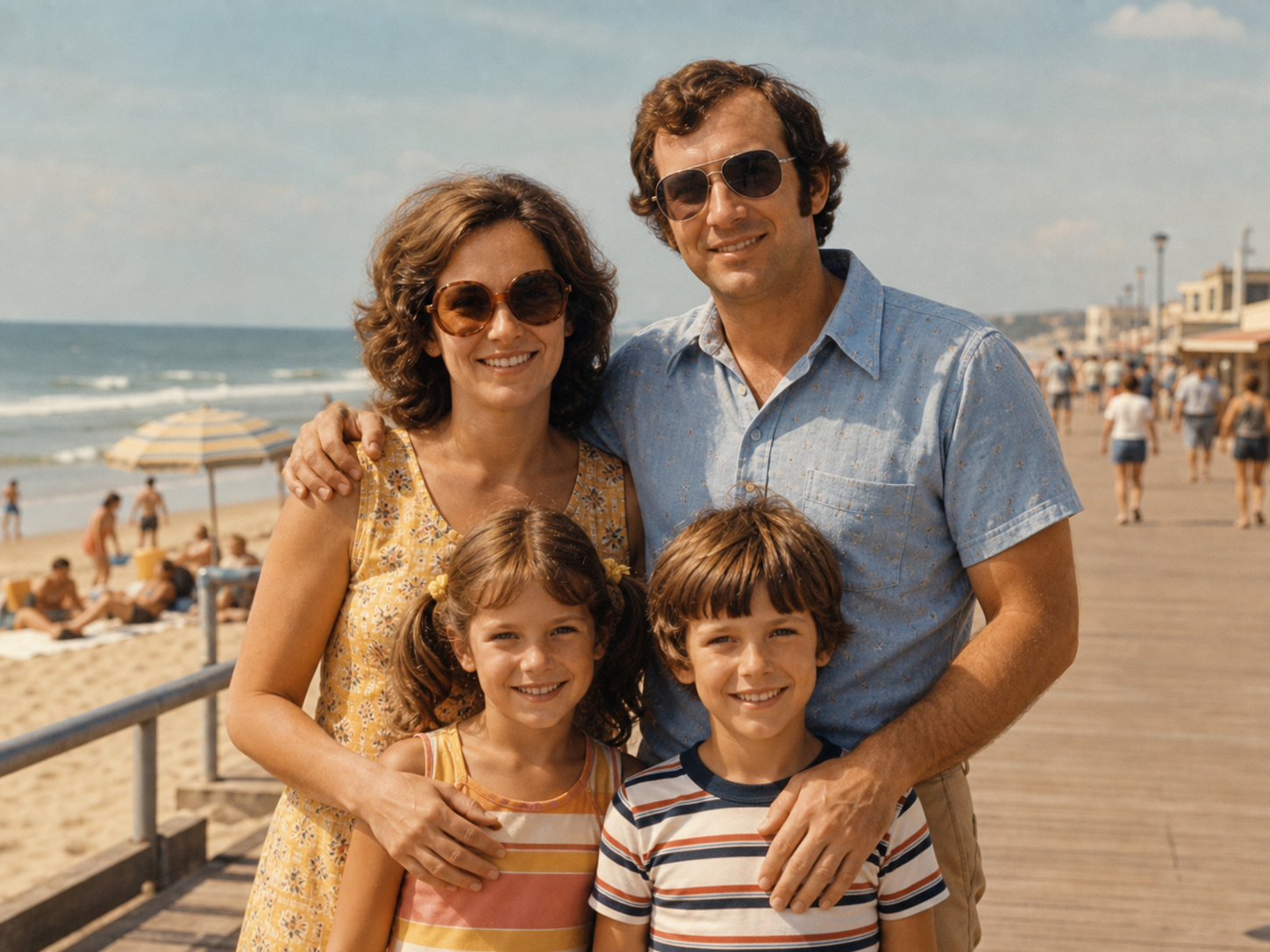
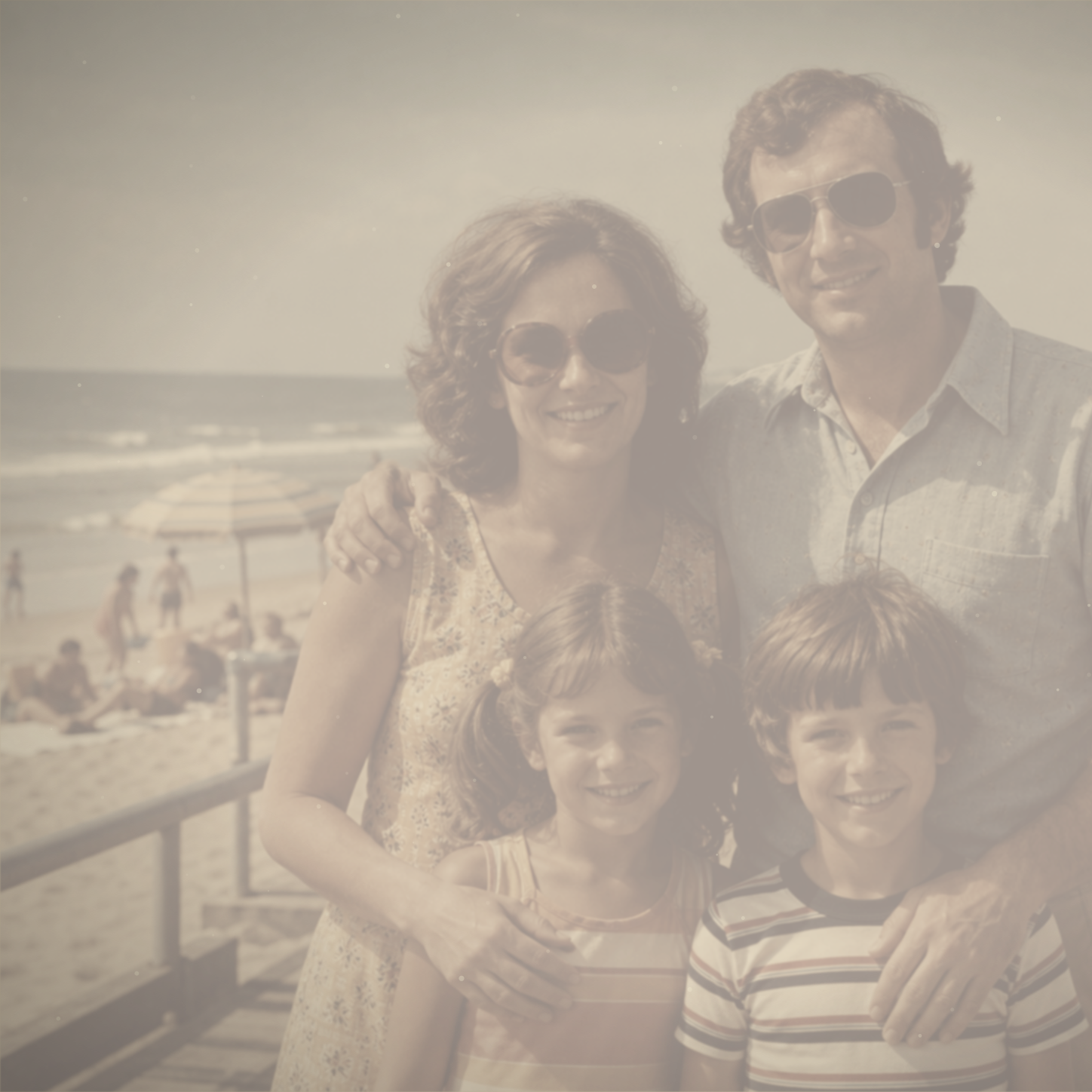
Correct washed-out color and age-related discoloration. AI repair restores contrast, fixes yellow or gray casts, and improves clarity while keeping the nostalgic feel of the photo.
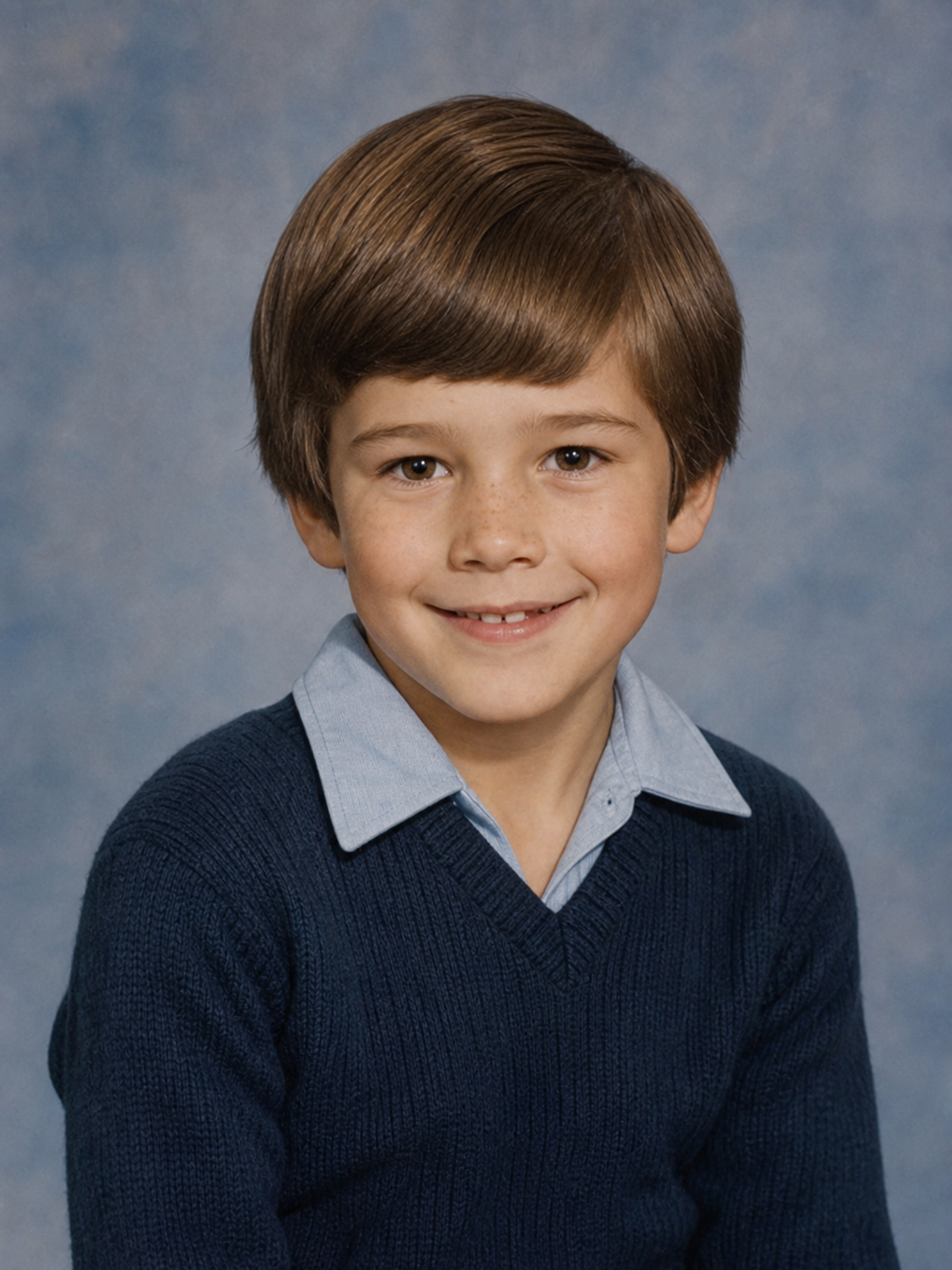
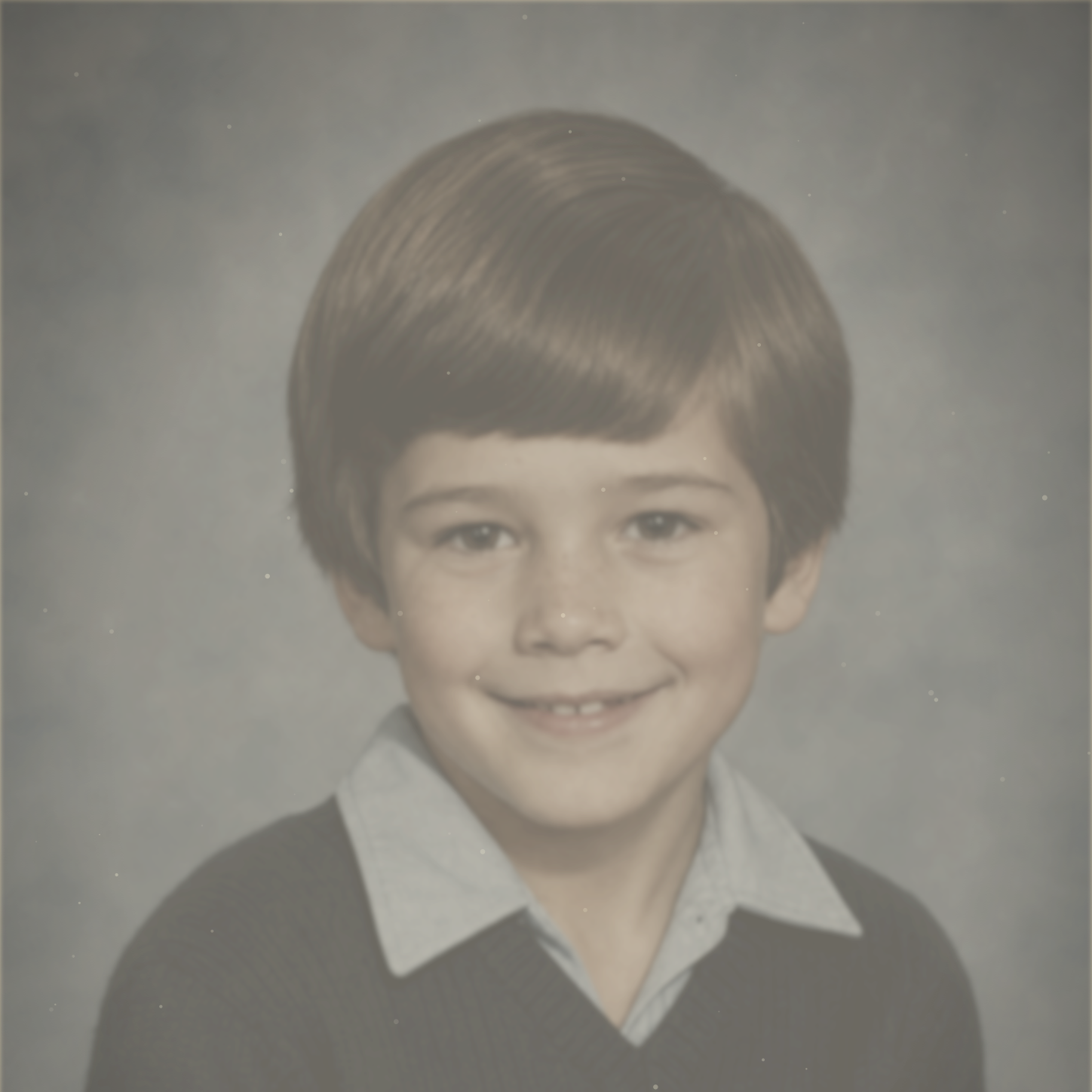
Improve sharpness and resolution in blurry or low-resolution old photos. AI sharpens details, lowers grain, and recovers faces, clothing, and background elements for cleaner digital copies.
Upload damaged or faded old photos in JPG, PNG, or WebP. Black-and-white, sepia, and faded color photos are supported.
Select repair only for scratches, tears, fading, and blur, or repair and colorize to add period-appropriate color.
Preview and download the restored image for printing, framing, archiving, or sharing.
AI photo restoration automatically repairs damaged old photos. It detects scratches, tears, folds, stains, dust, fading, blur, and discoloration, then reconstructs missing areas, removes damage, and improves image quality while preserving the original feel.
Use professional AI photo restoration to preserve family memories, repair damaged photos, and colorize vintage images.